Moderation
Keep the conversation on track.
Configure spam, invite and link rules. Give your staff a case history they can review.
Read the guidePrynBot for Discord
Moderate chats, organise support tickets and give new members a warm welcome from one dashboard.
Configure spam, invite and link rules. Give your staff a case history they can review.
Read the guideGive members a private place to ask for help. Let staff claim tickets and keep a transcript when they close.
Read the guideBuild a welcome message with a banner, helpful links and the details people need when they join.
Read the guideSet up button or menu panels so people can pick the roles that match their interests.
Read the guide
 PrynBot
Review a repeated message
Log for staff reviewMessage matched the repeat-message rule.
From the first welcome to the last support reply, keep your community’s everyday tools together.
Warnings, timeouts, kicks, bans and persistent case logs give your team a clear record of its decisions.
Explore the guideLet members contact the right server through PrynBot. Staff reply from a private ticket, with claims, notes, snippets and linked follow-ups.
Explore the guidePremium AI Support uses selected public server information and this ticket’s history. Ask for a person at any time.
Explore the guideSelf-assignable roles, community voting and thoughtful welcome messages help your server feel personal.
Meet the community toolsTry a support ticket, see what a moderation rule does, or open the welcome editor.
This is the beginning of your private support ticket.
Interactive demo · Fictional messages and illustrative timings. No live AI requests.
PrynBotRepeated message flagged for review.
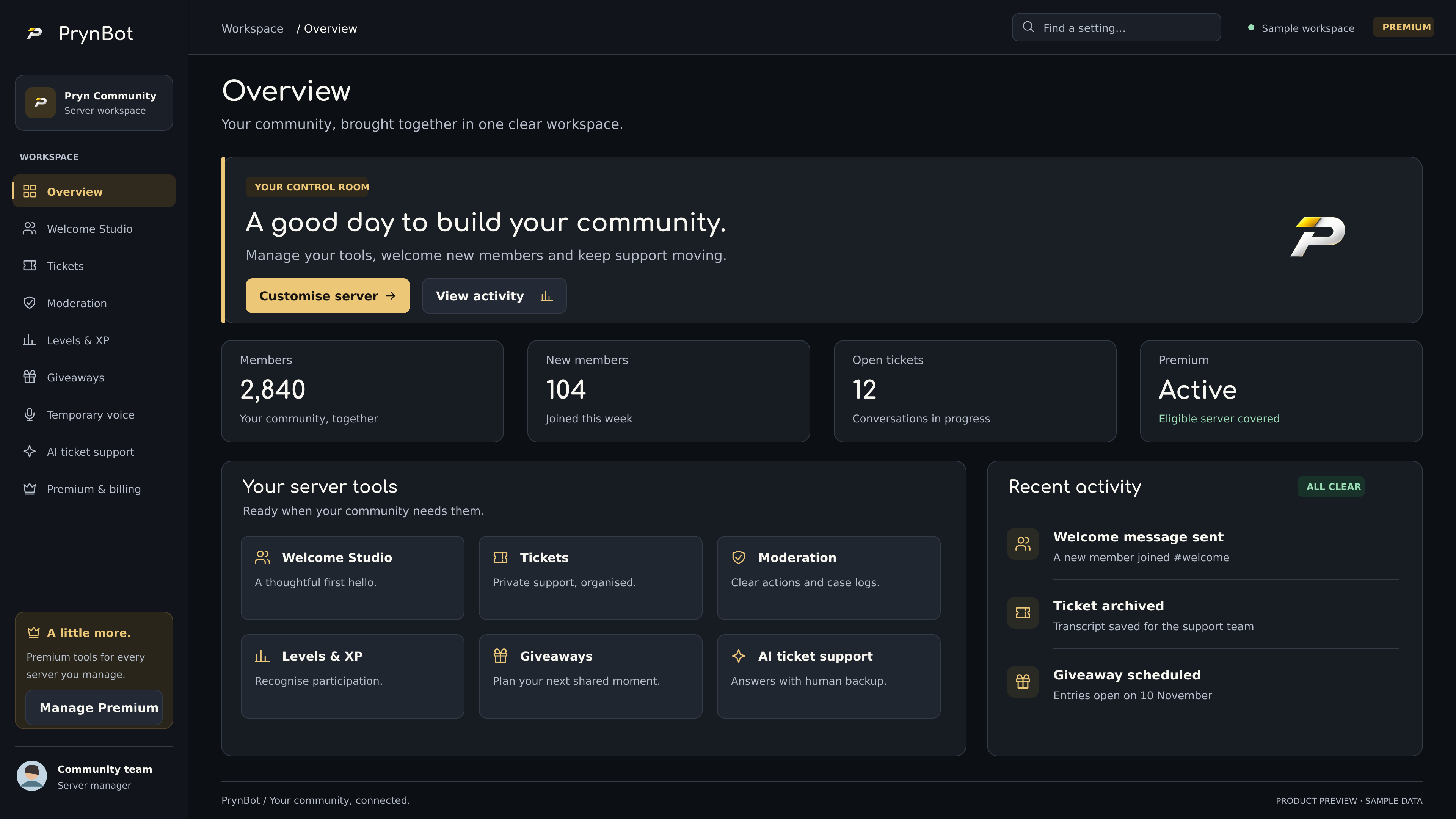
A real workspace for the community you care about. Explore the interface, then choose the tools that fit.
PrynBot AI Support works from your community’s public information. When a question needs your team, it knows how to pass the conversation on.
Use selected public channels and your configured support guidance, checked against the member’s access.
Bounded ticket memory helps the assistant follow along. Separate tickets stay separate.
A human request or a question the AI cannot establish pauses AI replies and notifies your configured support role.
Only the ticket owner’s explicit two-step confirmation authorises AI-assisted closure.
Staff claims and replies pause the assistant. Resume it when you are ready.
Reply timings, optional source links and a clear handoff keep support understandable.
Keep the core tools free. Add AI Support, levels, giveaways and temporary voice with Premium, across eligible servers you manage.
A little more room to build your community.
Monthly subscription · Manage renewal through Stripe
From a thoughtful first hello to the conversation that needs a little help.
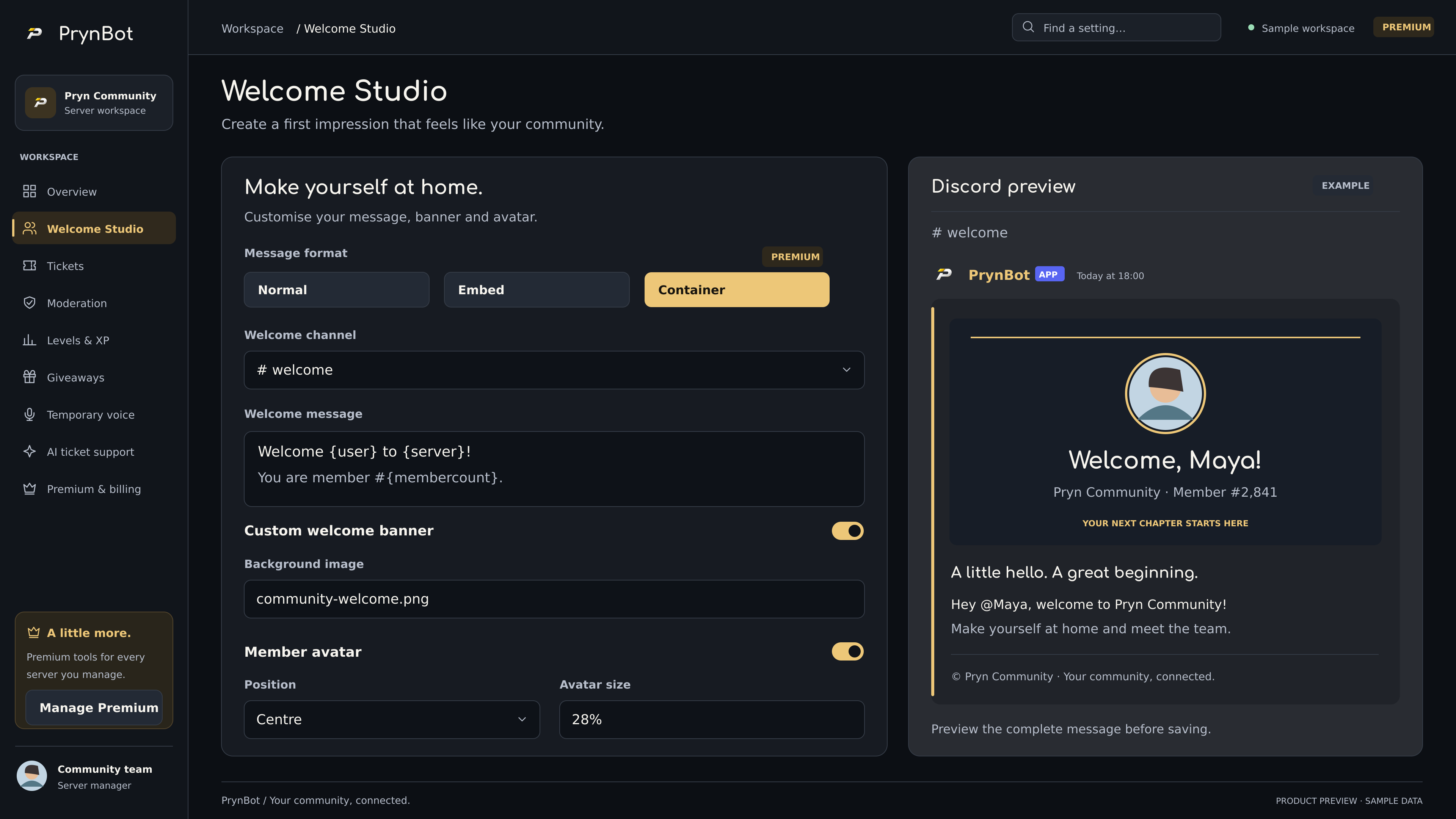
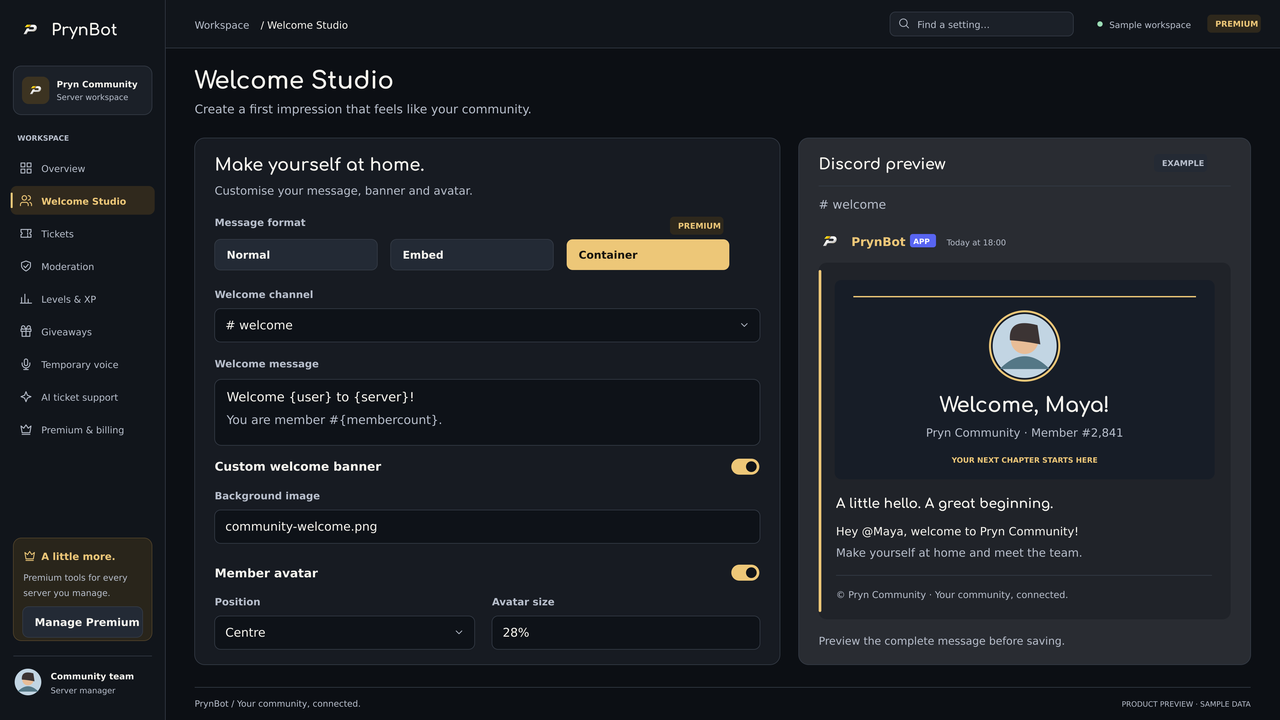
Text, embeds, banners and a live preview.
Explore Welcome Studio →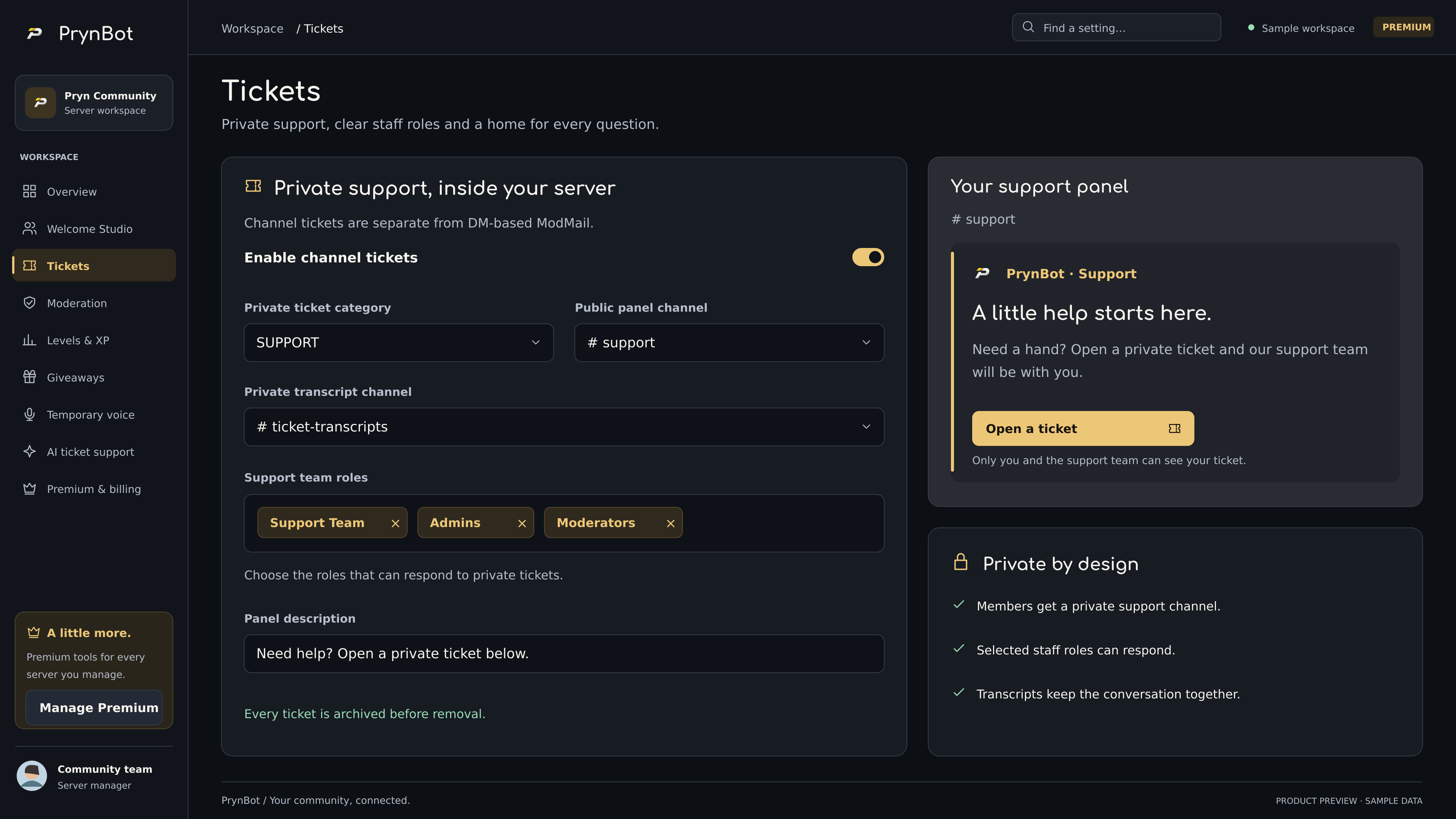
Private conversations, clear staff roles and transcripts.
Explore tickets →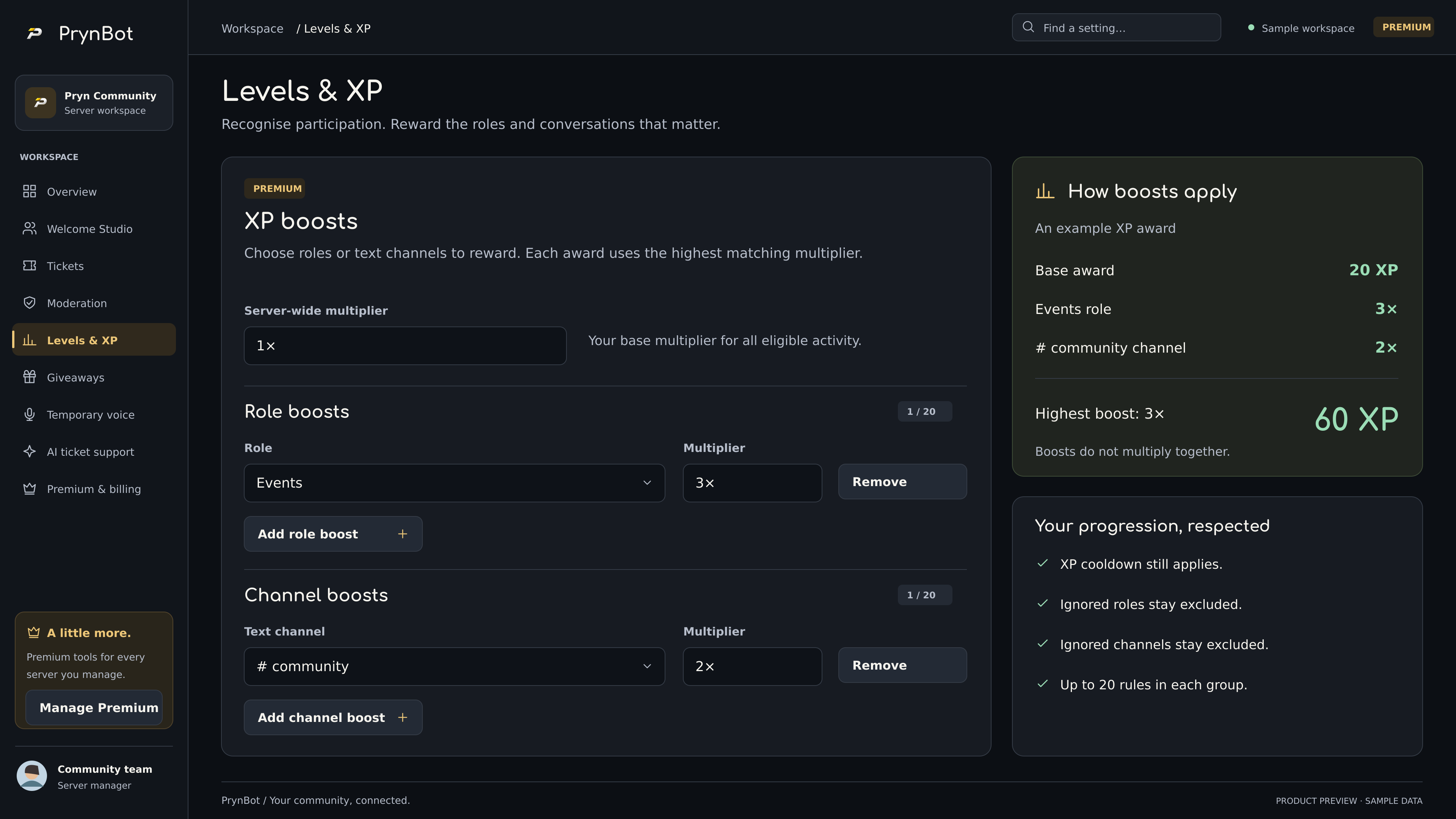
Server XP, reward roles and targeted Premium boosts.
Explore levels & XP →Try the experience, explore the real interface, then take your first feature live.
Yes. Standard tickets, ModMail, moderation, protection, roles, polls, suggestions and other core tools are free. Premium adds AI Support, levels, giveaways and temporary voice channels.
One €2.99/month subscription belongs to one Discord buyer and covers eligible servers they manage. Coverage depends on their current permissions and active Premium entitlement.
Yes. Members can request human support, and the AI also escalates when it cannot establish an answer or the request needs staff. AI replies pause so the support team can take over.
AI output, silence and a simple “thanks” do not authorise closure. The ticket owner must choose the resolution button and then explicitly confirm that every issue is resolved. Relevant new activity invalidates the old confirmation.
No. It is a local, scripted demonstration with fictional messages and illustrative timings. It does not change a Discord server, open tickets or make inference requests.
Premium relies on paid, active subscription status and is revalidated. An unpaid entitlement does not preserve Premium indefinitely. Free bot features remain available.
Read the documentation for setup steps and feature guides, or join the official PrynBot support server. Keep tokens, payment information and private ticket content out of public channels.

Add PrynBot, choose your tools, and make yourself at home.