
Make yourself
an expert.
Practical guides for a well-run server. Start with setup, find a feature, or get straight to the command you need.
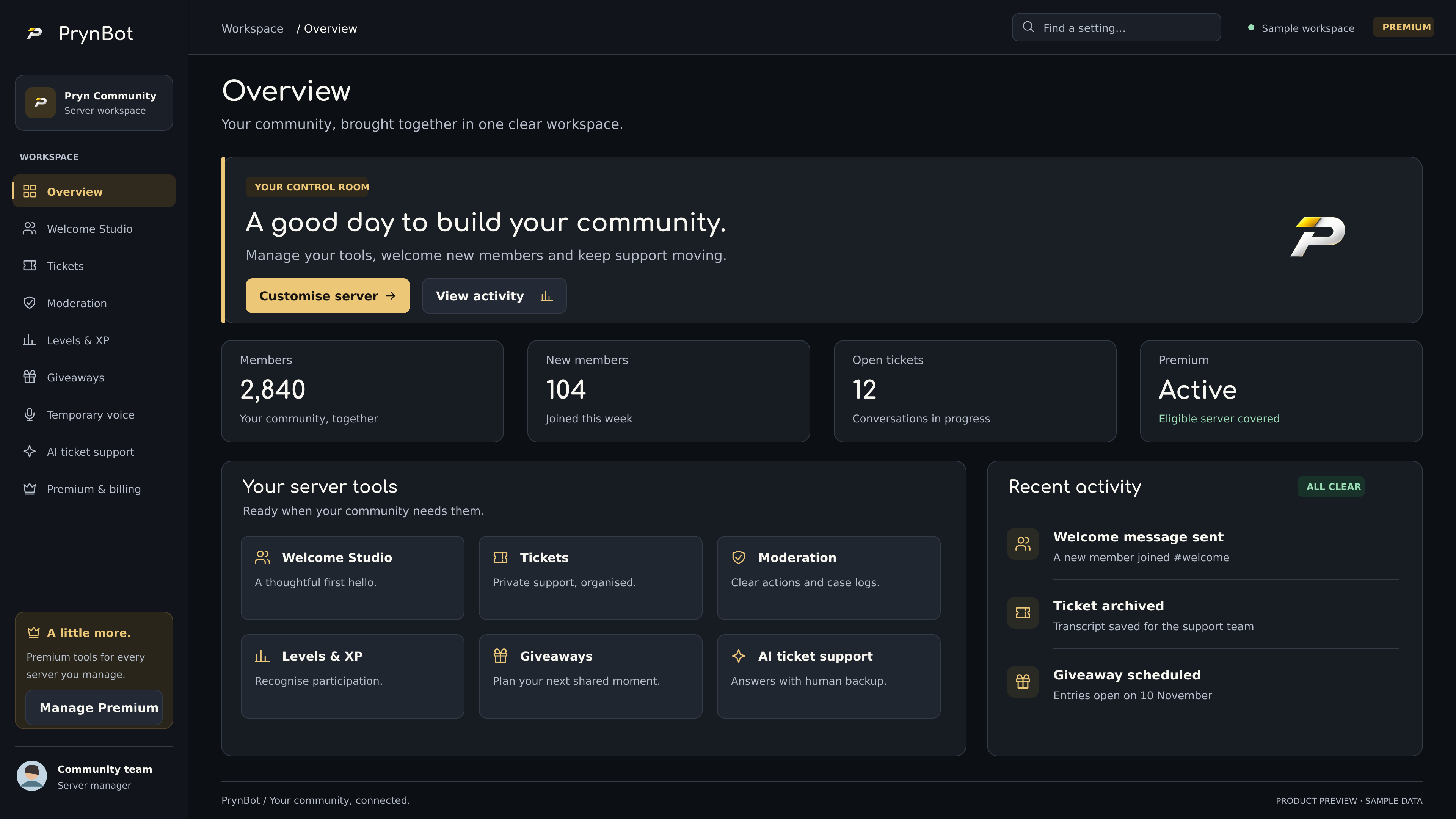
A clearer starting point.
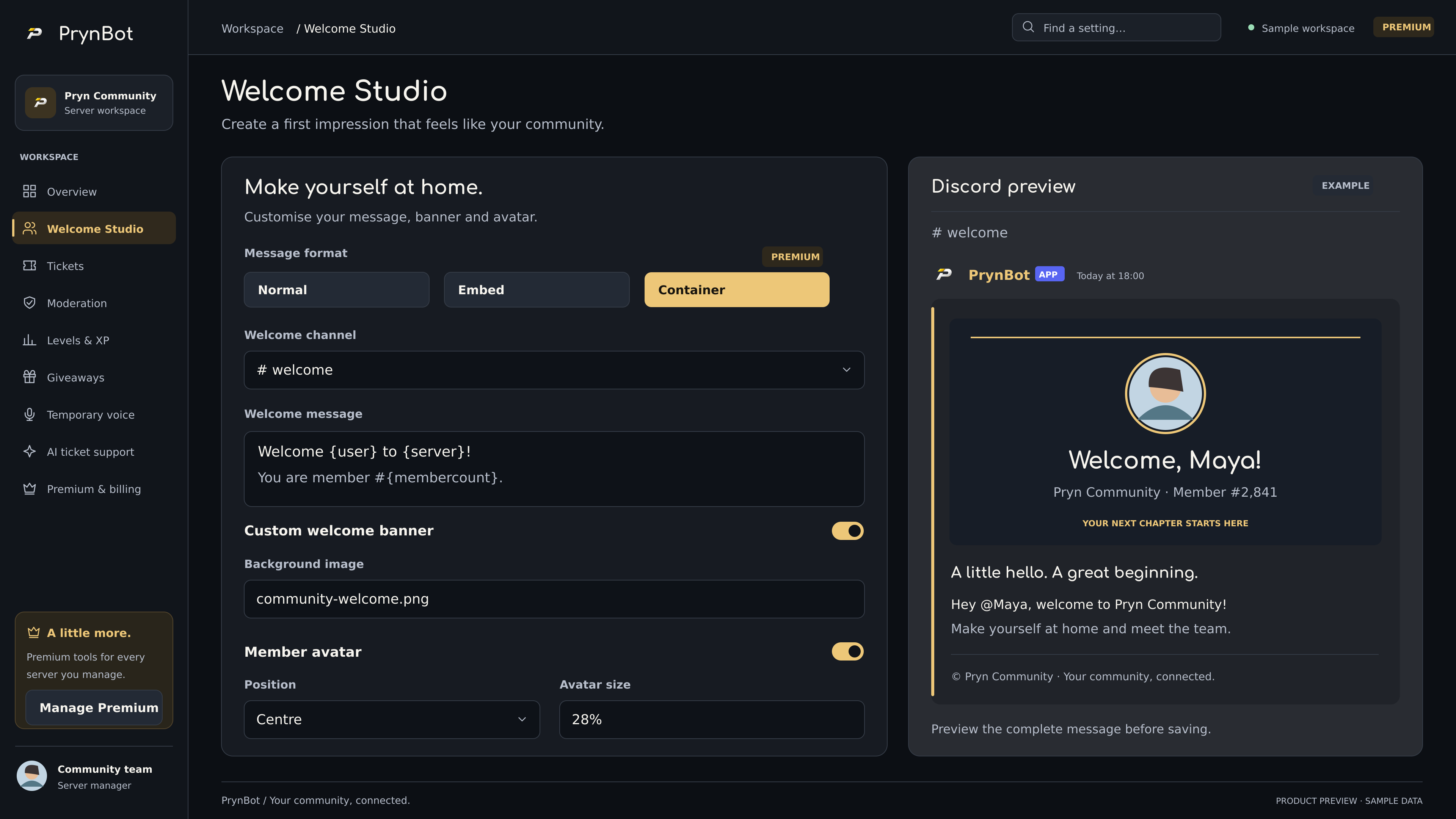
A welcome that feels like you.
Text, embeds, banners and a live preview.
Explore Welcome Studio →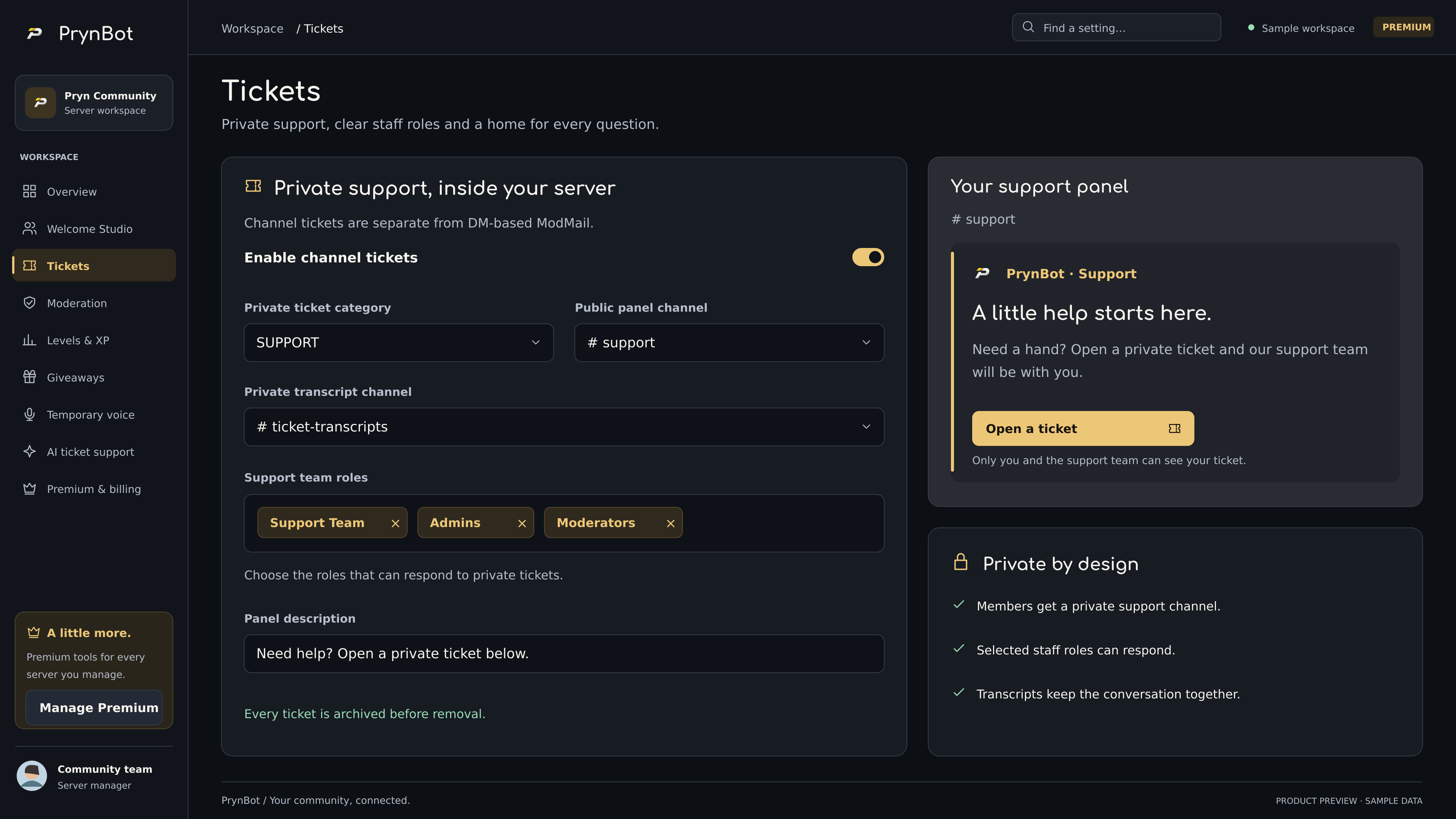
Give every question a home.
Private conversations, clear staff roles and transcripts.
Explore tickets →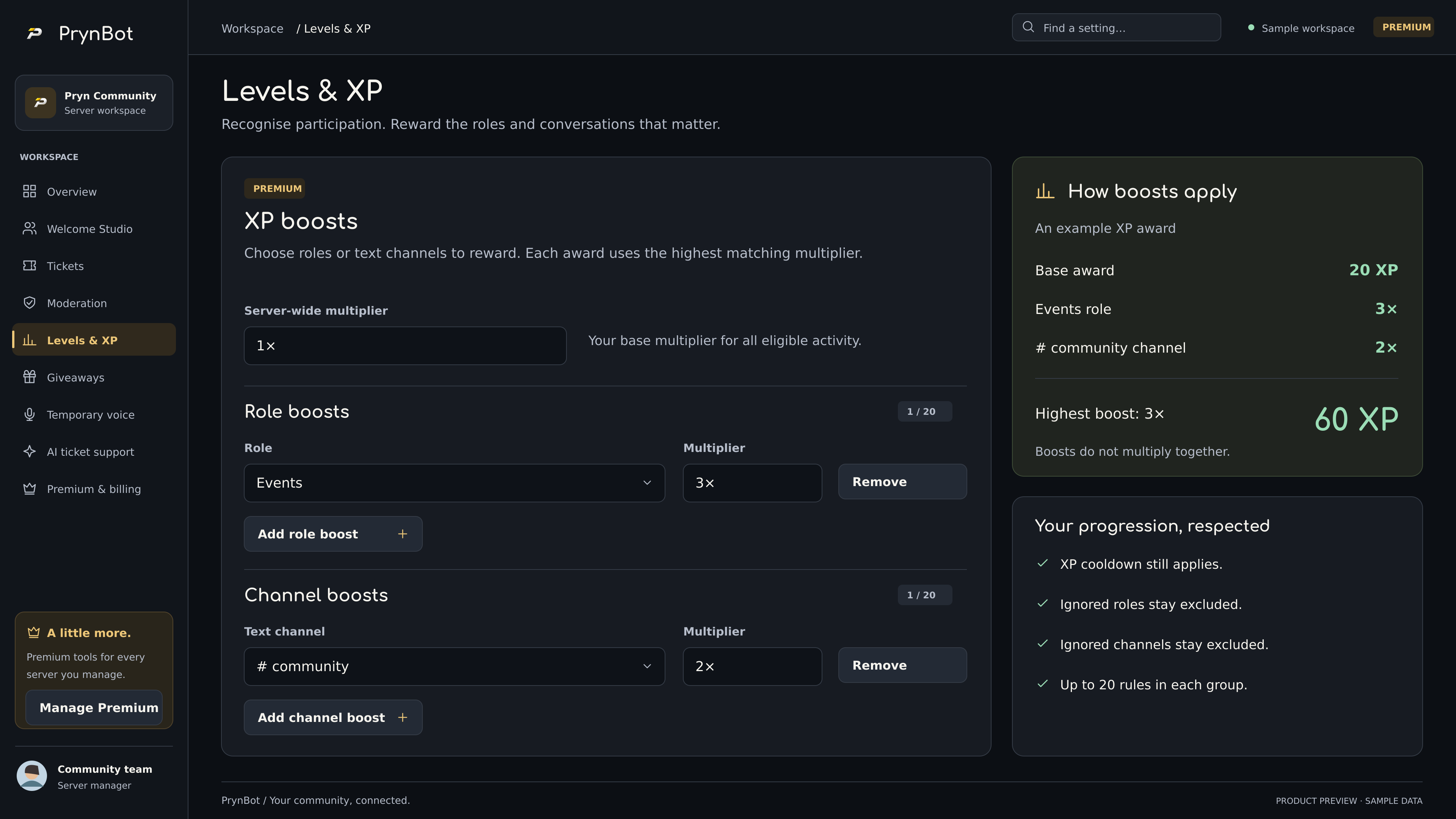
Make participation matter.
Server XP, reward roles and targeted Premium boosts.
Explore levels & XP →Get started with PrynBot
Invite the bot, check permissions and configure your first server.
Read guideCommand reference
Browse 48 PrynBot command definitions.
Read guideAI Support, with a human handoff
Configure public knowledge, staff escalation and ticket-only memory.
Read guideTickets & ModMail
Understand private channels, DMs, staff workflows and transcripts.
Read guideConfirming a resolved ticket
How the two-step AI resolution flow protects unfinished conversations.
Read guideModeration & protection
Case logs, AutoMod, join-surge alerts and sensible permissions.
Read guideCommunity tools
Roles, polls, suggestions, welcome messages, levels, giveaways and voice.
Read guidePermissions & role hierarchy
Give PrynBot the access its enabled modules need.
Read guidePremium & billing
One subscription, eligible managed servers, and subscription controls.
Read guideUsing the dashboard
Connect your server and save configurations with confidence.
Read guideData, transcripts & privacy requests
Find the right team for a transcript, correction or deletion request.
Read guideWelcome Studio
Design a personal welcome, from a simple message to an advanced banner.
Read guideTicket categories & opening forms
Route private support to the right configured team.
Read guideClaims, closure & private transcripts
Understand claim, reopen and transcript-first deletion.
Read guideStaff-first AI & response windows
Give people the first opportunity, with a controlled AI fallback.
Read guideSupport activity & team review
Use recorded evidence to improve support without automatic promotions.
Read guideDashboard themes & automatic seasons
Choose Original, Premium Ocean or the current optional seasonal theme.
Read guideSelf-assignable role panels
Offer useful choices without exposing privileged roles.
Read guideXP, levels & leaderboards
Reward participation with suitable cooldowns and role rewards.
Read guideGiveaways & recurring rounds
Configure clear campaigns and review the result.
Read guidePolls & community suggestions
Collect structured feedback and keep decisions clear.
Read guideTemporary voice channels
Create a room on demand with controlled owner actions.
Read guideAnnouncements & scheduling
Publish consistent messages to the right channel.
Read guideModMail delivery & staff roles
Understand member-visible replies, internal notes and safe retries.
Read guideDashboard troubleshooting
Resolve common sign-in, access and configuration problems.
Read guideHost updates, backups & recovery
Protect the configured data before replacing a release.
Read guideStaff application data & review
Understand identity verification, private review and retention.
Read guideSubscription cancellation & refunds
Cancel renewals, request a refund or resolve missing Premium.
Read guidePrivacy controls for server managers
Configure private support access and explain data use to members.
Read guideAccount security & safe support
Protect your Discord account and report a security issue privately.
Read guide
Your next chapter.
A little more connected.
Add PrynBot, choose your tools, and make yourself at home.